 Pi Pocket
Ask Pi to change Pi Pocket
There is no build step. Web files reload every open browser, extensions reinstall while the server runs, and running work resumes after a restart. Pi knows where the docs are.
Pi Pocket is a self-hosted web app for the Pi coding agent. Start a run from anywhere, share it with the people you work with, and let it keep going when the server restarts.
npm install -g pi-pocket
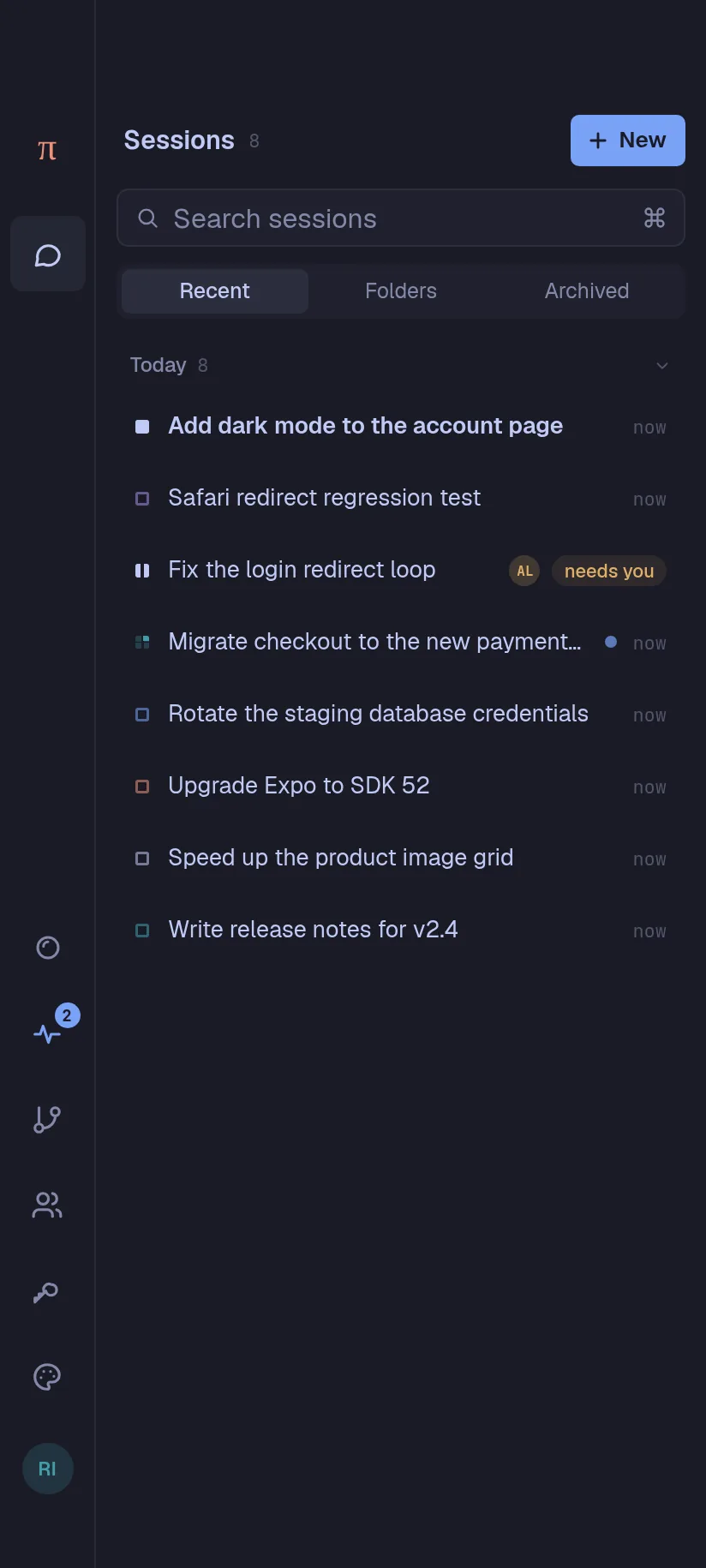
What you use most is a thumb's reach away, and back closes what opened last. Push notifications, dictation, and an icon on your home screen.
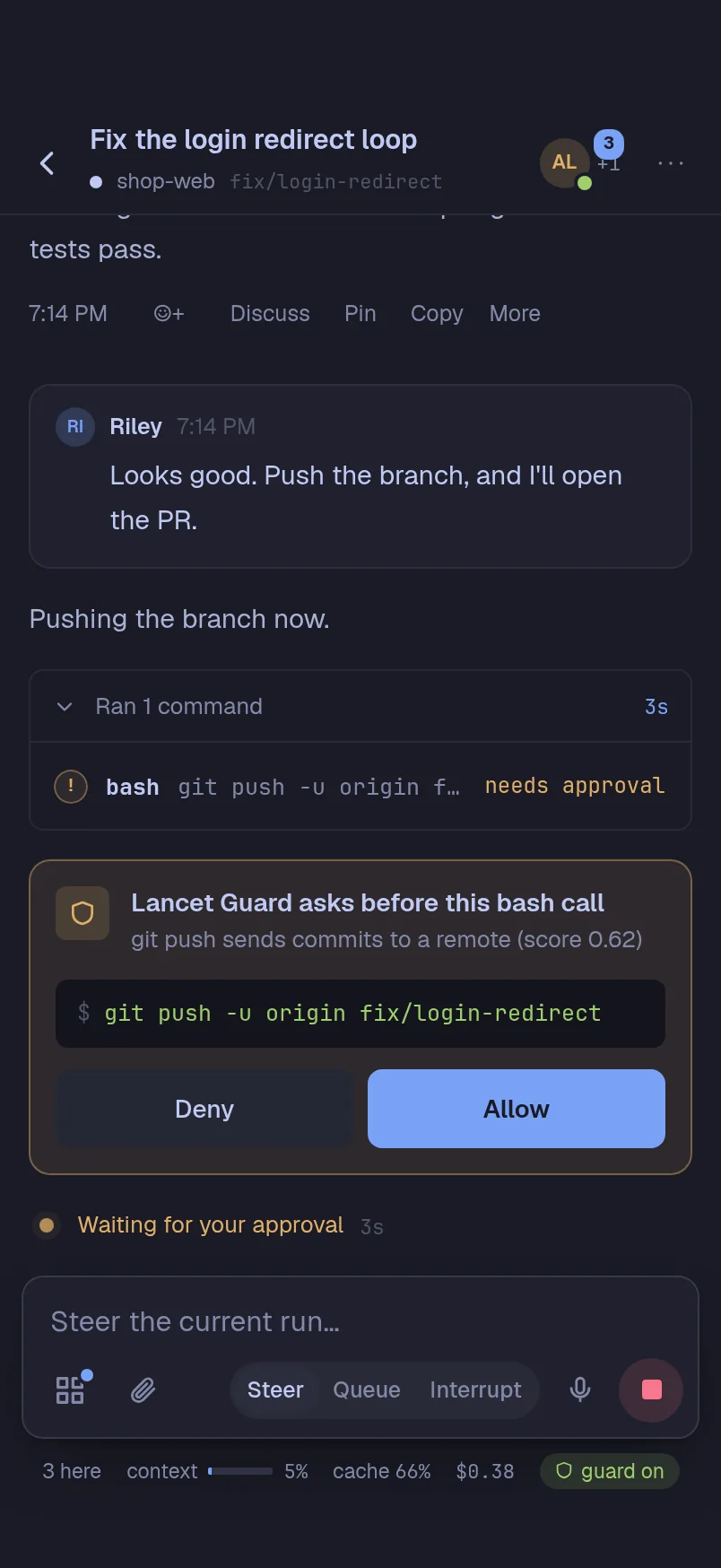
Invite people, or open a session on all your devices. Everyone sees the run as it happens, and can steer it or talk beside it.
Every step is stored before it shows. Restart the server mid-run, and the work picks up where it stopped.
Everyone sees the run as it happens, and each message shows who sent it.
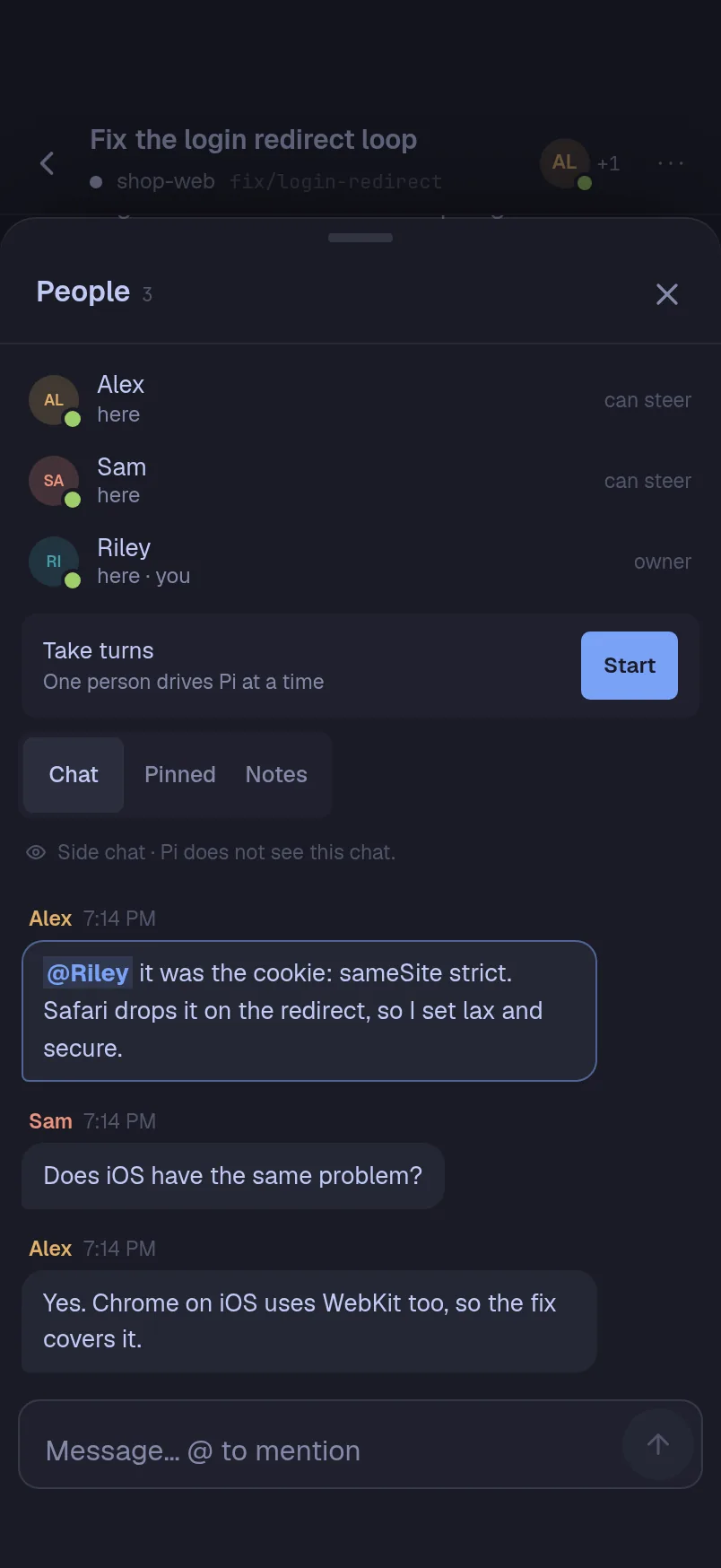
PiP opens over whatever you are looking at. Ask in plain words, and it hands the work to a session with the tools to do it.
Press Alt+A, tap the orb, or type /pip. Only the owner can
open PiP.
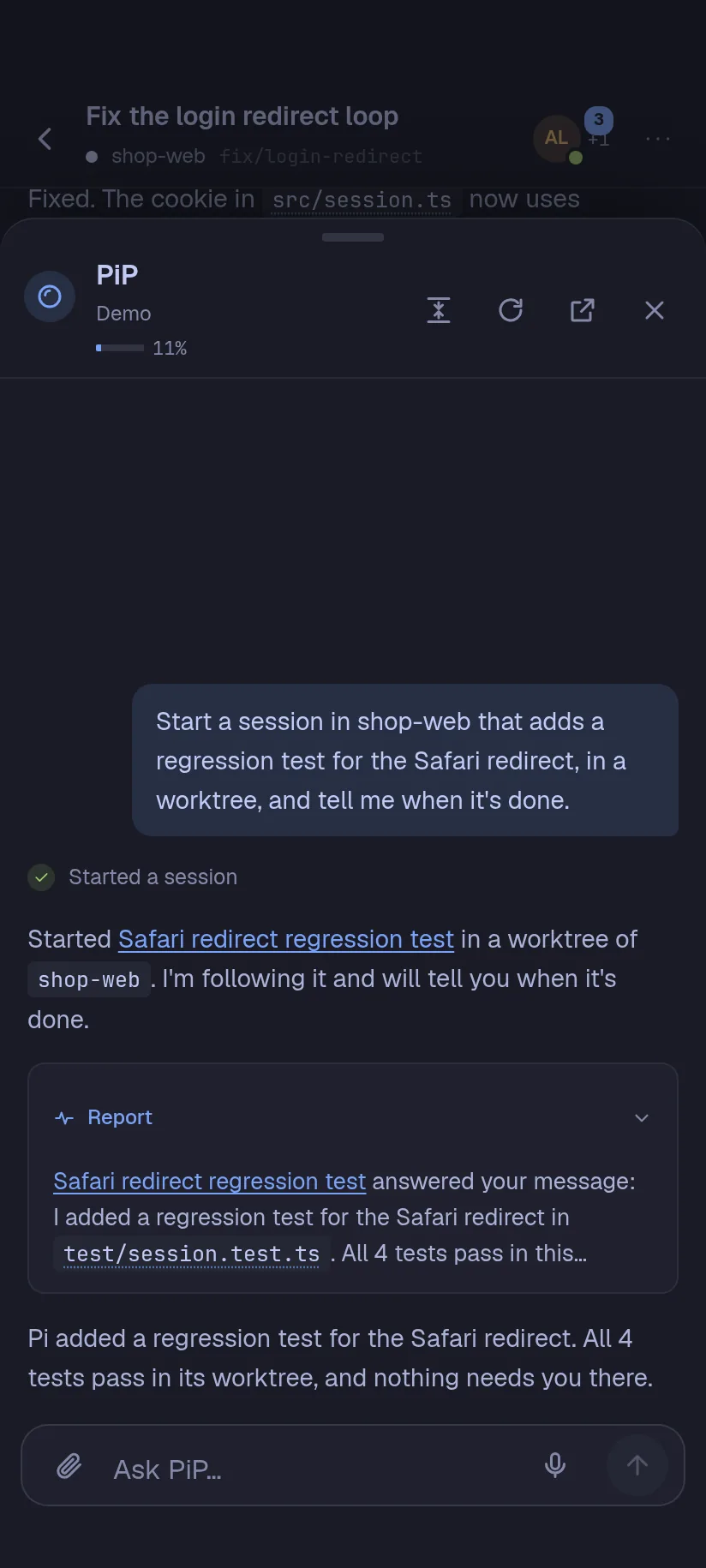
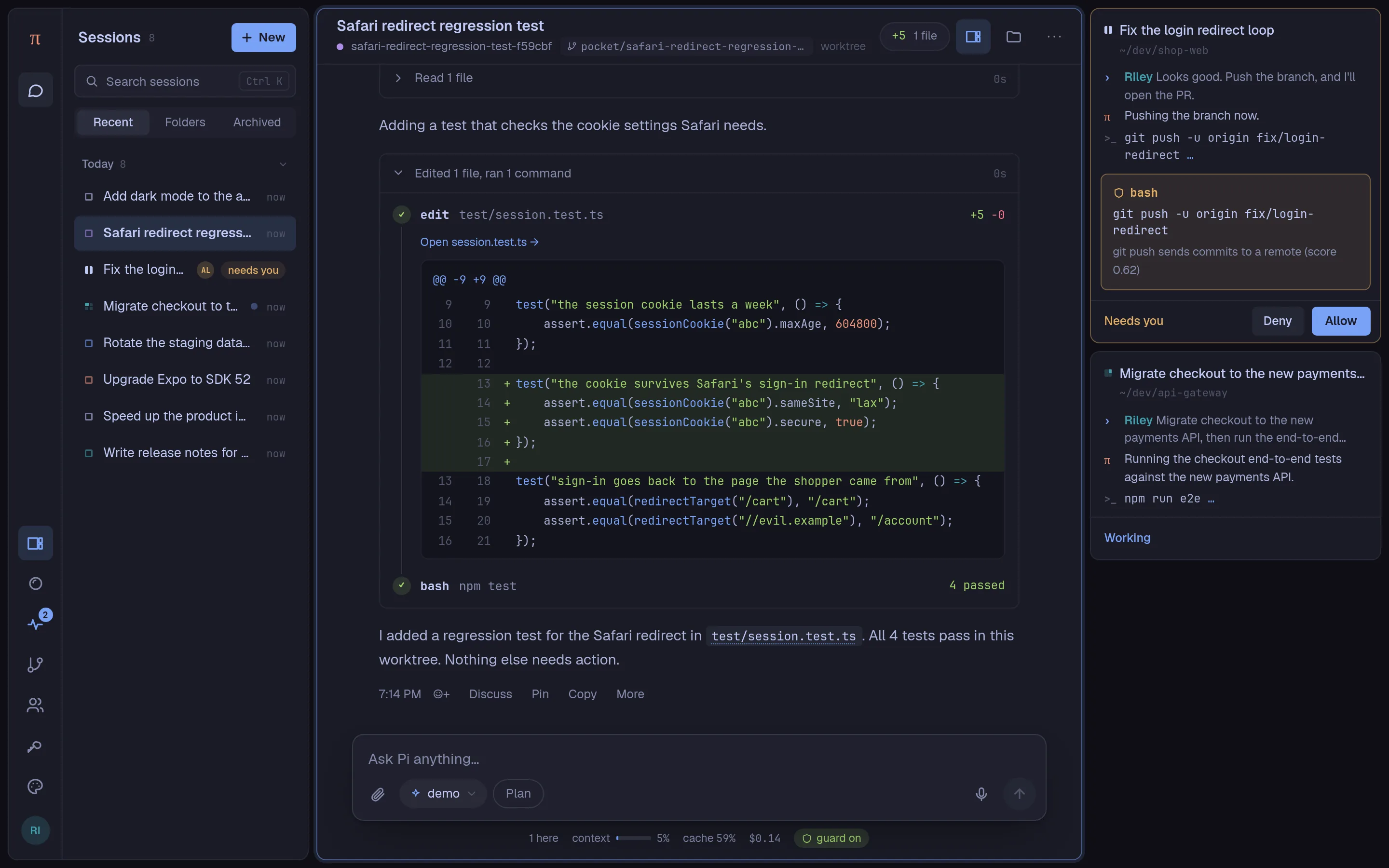
Your sessions, the conversation with each of Pi's edits, and peek tiles that show your other sessions at work. Answer an approval right from its tile.
Pi Durable is Earendil's harness for long-running agents. It keeps conversations, model calls, tool calls, and app state together, and commits each step before anything is shown. Pi Pocket keeps all of it in one SQLite file.
Pi's tools, models, skills, and prompt templates, with what a browser and a team add.
There is no build step. Web files reload every open browser, extensions reinstall while the server runs, and running work resumes after a restart. Pi knows where the docs are.
Browse the folder, review every change, and switch branches.
Other sessions' latest steps, beside the one you are in.
Pi drives a real Chromium. You watch and click the same page.
HTML, Markdown, and SVG in a sandbox, with every version kept.
Helpers in conversations of their own, on one board.
Lessons Pi keeps across sessions, once the owner approves them.
Pi reads and proposes. Edits wait for someone's yes.
Fork from any reply, retry with another model, work on a branch.
Pi Pocket uses Pi's providers and sign-ins. Pick the model and thinking level for each session. Pi never picks a model for you. See what Pi spent per person and per session, and set limits for either.
Pocket, Lantern, every Omarchy theme, or your own.
Pi's skills and saved prompts, as slash commands.
Pi Pocket's own features are extensions. Drop in your own, or find reviewed ones in the hub. Each one starts off until the owner turns it on.
Steer or queue, file mentions, shell commands, dictation, find in session, export, codemode, and more are in the feature tour.
A clock, GitHub, or another service can send Pi a message. Each one counts as the work of the person who set it up, with their access and spend limit.
/schedule
Later or on repeat. A restart keeps them waiting; none is sent twice.
/until npm test
Pi keeps going while the check fails, for five checks at most.
/watch
Failed checks, conflicts, and reviews reach Pi until it is merged.
PiP
New issues, failing CI, releases, and @pi mentions start work.
POST /hook/…
Each post becomes a message. GitHub's must carry its signature.
push
When Pi finishes or needs you. Deny a call from the notification.
Pi runs commands on your machine as you. Pi Pocket controls who can ask it to, and which calls wait for a person.
Steering means shell access. Invite only people you trust with that. SECURITY.md says what is protected and what is not.
The launcher asks how your devices connect, then shows a sign-in link and a QR code for your phone.
local
127.0.0.1, behind a tunnel of your own.
lan
Any device on the same network, over plain http.
cloudflare
A public https address, with no account needed.
tailscale
Only devices on your tailnet, encrypted by Tailscale.
tailscale-serve
https on your own tailnet name, with a certificate Tailscale holds and nothing public.
Push notifications and dictation need https, from Cloudflare Tunnel or Tailscale Serve. Pi Pocket also runs on Android: install it in Termux and keep everything on the phone.
pi and use
/login, or sign in later from the app.
# Requires Node.js 22.19 or newer
$ npm install -g pi-pocket
$ pi-pocket
# Or try it once: npx pi-pocket
# To change its code: git clone, npm install, npm start
$ pkg update && pkg upgrade
$ pkg install nodejs git
$ npm install -g --ignore-scripts @earendil-works/pi-coding-agent
$ pi   # /login, then quit
$ git clone https://github.com/TannerMidd/pi-pocket.git
$ cd pi-pocket && npm install --ignore-scripts
$ termux-wake-lock && npm start